
Best Worksheet Generators for Parents and Teachers (2026) 📝
By Natalie
The short answer
The best worksheet generator depends on the job. For free math and English drills, use Worksheet Genius. For a huge library of ready made pages, use Education.com. For a full themed day built around one kid's interests, use Packet Day's worksheet generator, the one I helped build.
I'm Natalie. I homeschool Oliver and Vivian, and I'm a co-founder of Packet Day, so I'm on both sides of this list. I'm telling you up top, and I've listed the downsides of every tool, including ours. Below is what I actually tried, how long it took, and where each one falls short.
Reviewed November 17, 2026. Prices and plans change, so check each tool's page before you buy.
Quick picks: the best worksheet generator for each situation
| If you want | Pick | Why |
|---|---|---|
| Free math and English drills | Worksheet Genius | Free since 2007, randomized and differentiated |
| A big library of ready made pages | Education.com | 38,000+ resources for Pre K to 8th grade |
| Worksheets plus lesson plans and rubrics (teachers) | MagicSchool | Free plan with 80+ teacher tools |
| A full day of learning themed to one kid's interests | Packet Day | One packet per child, with a custom character, about 2 minutes to make |
| Editable templates you can tweak | Twinkl Create | Templates and illustrations, free Twinkl account to start |
| Total design control | Canva | Design tool with worksheet templates |
| A one off custom page, if you can write a prompt | An AI chat tool | Flexible, but you do the prompting and the checking |
How I picked these
I judged each tool on five things:
- What it costs
- Which grades it covers
- How well it fits one specific kid
- How long it takes to get a page I would actually print
- Where it lets you down
Here is my real timing for the tools I use:
| Tool | Time to something I'd print | What happened |
|---|---|---|
| Education.com | 15 to 20 minutes at least, for 2 kids in different grades | The pages felt generic. I got a lot of "do we have to" and yawns. |
| Grok or Claude | A few minutes, plus tweaking | I always have to tweak the result to make it personable. |
| Packet Day | About 2 minutes | A full day, built around the kid. |
I have not used Canva for worksheets, so I haven't timed it. Its entry below comes from research, not my own test.
The 7 worksheet generators, and who each one is for
1. Worksheet Genius
Best for: free math and English practice sheets.
Cost: free.
Worksheet Genius has offered free, printable, differentiated, randomized math and English worksheets since 2007. It is a good fit when you need drill practice fast. Math-Aids is a similar free option for math that generates unlimited dynamic sheets.
Downside: these are drills. Every kid gets the same kind of page, and nothing ties to their interests.
2. Education.com
Best for: a big library of ready made worksheets, games and activities.
Cost: a free basic tier, with Premium for the full library. A 2025 deal listing showed an annual list price of $119.88, so check the current price.
I used Education.com for years. The library is huge, and you can adjust pages by grade. My problem was keeping track of what I had already printed, so I printed repeats, and I never found enough variety. Pages for different grades often overlap. The reading comprehension pages and writing prompts got the most pushback, because the kids didn't connect to them. It does have puzzle generators, but I never used them.
Downside: a reviewer notes you should preview each worksheet, since a page can match a topic without matching your exact method or level. For me, finding the right pages for two kids in different grades took 15 to 20 minutes at least.
3. MagicSchool
Best for: teachers who want a worksheet generator next to lesson plans, rubrics and more.
Cost: a free plan with 80+ teacher tools. A roundup lists Plus at $8.33 a month billed annually.
Its worksheet generator is one tool inside a large suite, and answer keys are built in.
Downside: it is built for classroom teachers. One review found the questions sometimes lean generic, and a 30 second tweak to anchor them in your lesson helps. Homeschool parents should check eligibility before signing up.
4. Packet Day
Best for: a full day of learning built around one kid's interests, for grades K to 8.
Cost: free to try with 1 packet a month. Unlimited is $12 a month or $108 a year. Check the pricing page for the current numbers.
You tell Packet Day your child's name, grade and what they are into. It builds a printable packet with a custom character, a mix of subjects, a puzzle break and a movement break, plus a parent answer sheet. Mine takes about 2 minutes. I help build it, so weigh my opinion with that in mind. The other tools on this list did not get this result for me: nothing has turned out as great as Packet Day.
Downside: it is not built for timed math drills or a classroom of 30. The free plan is 1 packet a month, so heavy daily use means the paid plan.
Here's how the Packet Day worksheet generator works, with real math pages at three grades.
5. Twinkl Create
Best for: parents and teachers who want to edit templates and illustrations into their own materials.
Cost: you only need a free Twinkl account to begin.
Twinkl Create lets you use Twinkl templates and illustrations to make your own worksheets and visual aids.
Downside: it is an editor, not a generator. You write the questions and build the page yourself.
6. Canva
Best for: people who want full design control.
Cost: Canva Education is free for K to 12 educators, and they may ask you to verify your teaching credentials. Canva Pro has been listed at $119.99 a year. Homeschoolers have been left out of the education plan in the past, so check current eligibility.
Canva has worksheet templates and a free K to 3 Math Maker app for making math sheets. I haven't used it for worksheets myself.
Downside: it is a design tool. You write every question and lay out every page.
7. AI chat tools (Grok, Claude and others)
Best for: a one off custom page when you can write a clear prompt.
Cost: free tiers or a monthly plan, depending on the tool.
I mostly use Grok and Claude for checklists, lesson plan summaries and our monthly meeting sheet. For worksheets they work, but I have to ask for each grade level specifically, and it takes a few minutes plus tweaking to make the page feel personal. When I had an AI make a cursive page, the kids refused it.
Downside: you write the prompt, fix the formatting and check the answers every time.
Worksheet generators compared side by side
| Tool | Best for | Cost | Fits your specific kid? |
|---|---|---|---|
| Worksheet Genius | Math and English drills | Free | No, same style of page for everyone |
| Education.com | Big ready made library | Free basic, paid Premium | Partly, you can adjust by grade |
| MagicSchool | Teachers, lessons and worksheets | Free plan, paid Plus | Partly, based on the topic you enter |
| Packet Day | A themed full day, K to 8 | Free to try, paid Unlimited | Yes, built around the child's interests |
| Twinkl Create | Editing templates | Free account to start | Only as much as you edit it |
| Canva | Design control | Free for K to 12 educators, Pro paid | Only as much as you design it |
| AI chat tools | One off custom pages | Free tier or monthly plan | Yes, if you prompt it well |
How to choose a worksheet generator
Start with the job you need done today.
- You need quick drills and want to pay nothing: Worksheet Genius or Math-Aids.
- You want to browse and pick from a big library: Education.com. Keep a list of what you print, or you will print repeats like I did.
- You teach a class and want lesson plans too: MagicSchool.
- You want to edit and design everything yourself: Twinkl Create or Canva.
- You can write good prompts and don't mind tweaking: an AI chat tool, one grade level at a time.
- Your kid yawns at generic pages and you want a whole day tied to what they love: Packet Day.
The pattern I saw at home is simple. When a page feels generic, I get "do we have to." When it connects to my kid, the pushback drops. Nothing has turned out as great as Packet Day.
Frequently asked questions
What is a worksheet generator?
A worksheet generator is a tool that creates practice pages from settings you choose, such as the topic, the grade level and the question type. Some produce randomized math drills, and others use AI to write custom content.
What is the best free worksheet generator?
For math and English drills, Worksheet Genius is free and has been running since 2007. Math-Aids generates unlimited free math sheets. Teachers can also use MagicSchool's free plan, which includes a worksheet generator.
Can AI make worksheets for a specific grade level?
Yes, but you have to ask for each grade level on its own. In my experience it takes a few minutes plus tweaking to make a page feel personal, and you should check the math and answers yourself.
Is a worksheet generator better than a worksheet library?
It depends on the job. A library like Education.com gives you ready made pages to browse, but you have to find them and track what you've printed. A generator makes new pages from your settings, which saves hunting time.
How do I make worksheets for kids in different grades?
Make each child's pages separately by grade. On Education.com I could set the grade, but the pages often overlapped, and it took 15 to 20 minutes at least. With an AI chat tool, ask for each grade level specifically. Packet Day builds one packet per child profile.
Do worksheet generators include answer keys?
Many do. MagicSchool and Eduaide have answer keys built in, and Packet Day includes a parent answer sheet. Always spot check an AI generated key.
Why do my kids refuse worksheets?
In my house, it happens when the page feels generic and doesn't connect to them. Generic reading comprehension pages and writing prompts got the most "do we have to." Tying the page to something they love helps.
Are worksheet generators free for homeschoolers?
Some are. Worksheet Genius and Math-Aids are free. Canva's free education plan is for K to 12 teachers, and homeschoolers have been excluded, so check the current rules before you count on it.
See what a themed day looks like
If you want to see the difference between a generic page and one built around a kid, look at a real sample packet. You can also read my timed test of hunting free worksheets and the free worksheets vs Packet Day comparison. Packet Day is free to try, with 1 packet a month.
Keep reading
More from the blog
- I Spent Hours Hunting Free Worksheets. Here's Why We Built Packet Day.A homeschool mom on the hours spent searching, printing and piecing together free worksheets that never connect, and why she built something better.
- 7 Best Teachers Pay Teachers Alternatives for Homeschoolers in 2026TPT is banning AI made resources. The 7 best alternatives for homeschool families, with real prices and an honest take on AI.
- The 7 Best AI Tools for Homeschooling in 2026A homeschool mom ranks the AI tools worth using in 2026: tutors, planners, reading level tools, and one that turns AI into a printable, screen free school day.
Packets that fit
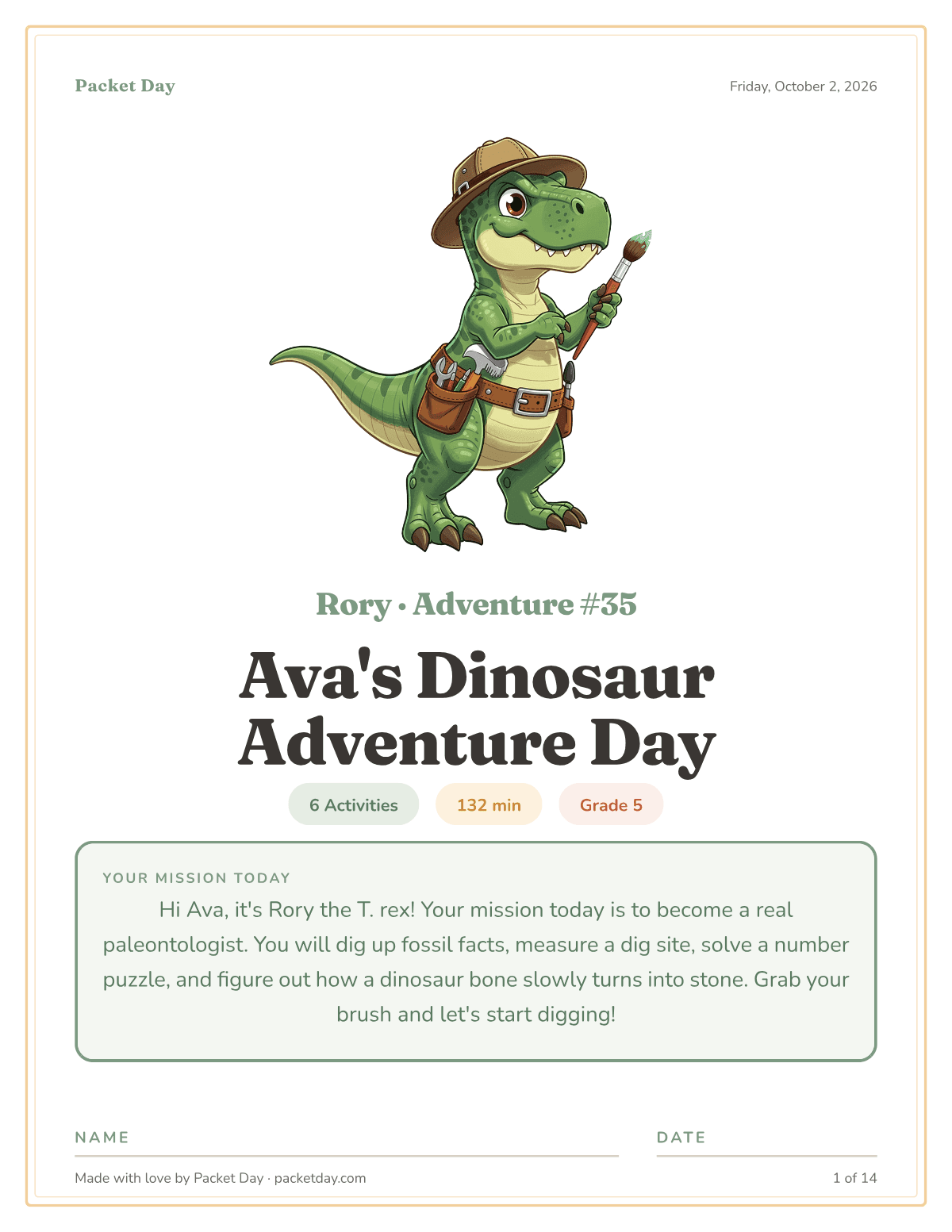 Dinosaurs unit studyFree printable dinosaur worksheets on T. rex, Triceratops and how a bone turns into a fossil, shown as a grade 5 sample with dig site math. Free to start.
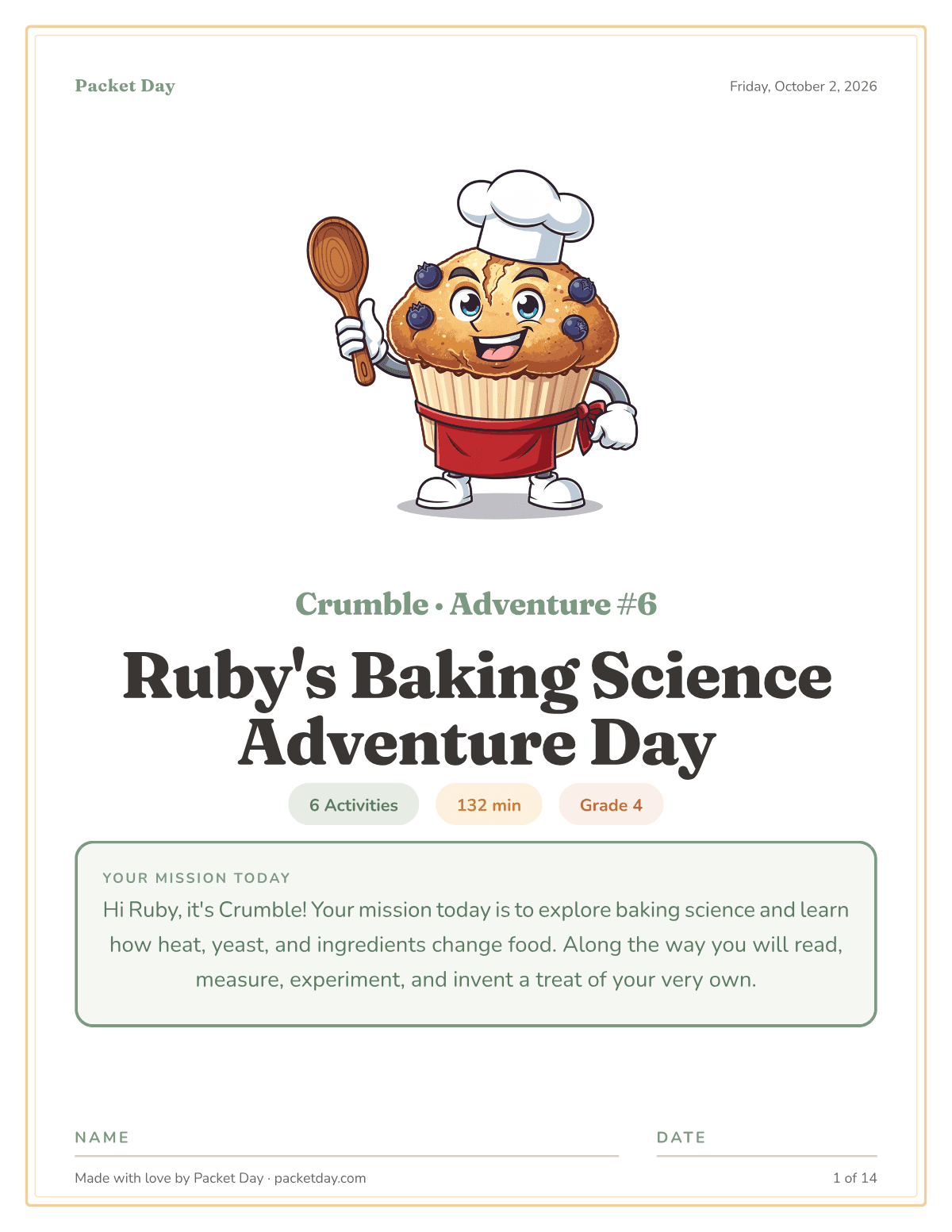 Baking science unit studyFree printable baking science worksheets on yeast, gluten and oven heat, with a two cup yeast test and bakery math in a grade 4 sample. Free to start.
Like what you just read? 📝
Packet Day turns an idea like this into a real, printable day. Pick a grade, pick an obsession, and it's ready in a minute or two.
Try Packet Day Free